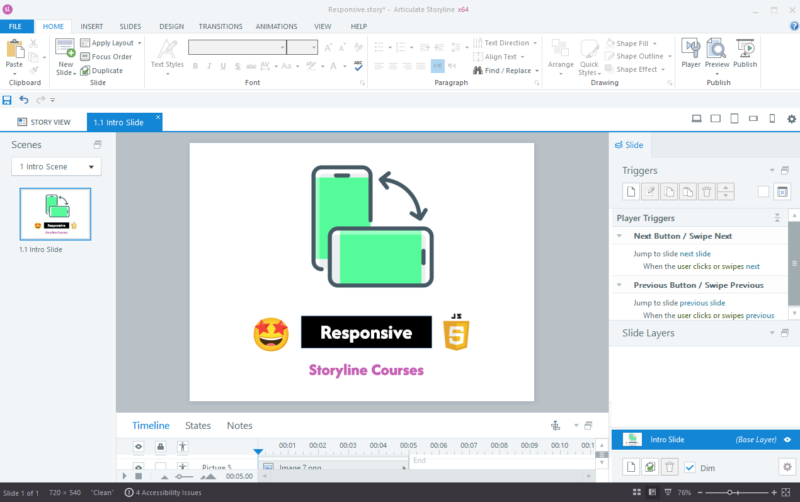
Articulate Storyline courses are designed by default for landscape screens, which work well on desktops and laptops. However, when learners access these courses on mobile phones or tablets in portrait mode, the experience often becomes poor.
Content may appear too small, interactions become difficult, and navigation is not user-friendly. This leads to a frustrating learning experience and reduced engagement.
In this guide, you will learn a simple method to improve mobile usability by prompting users to rotate their devices to landscape mode.
The Problem with Storyline on Mobile
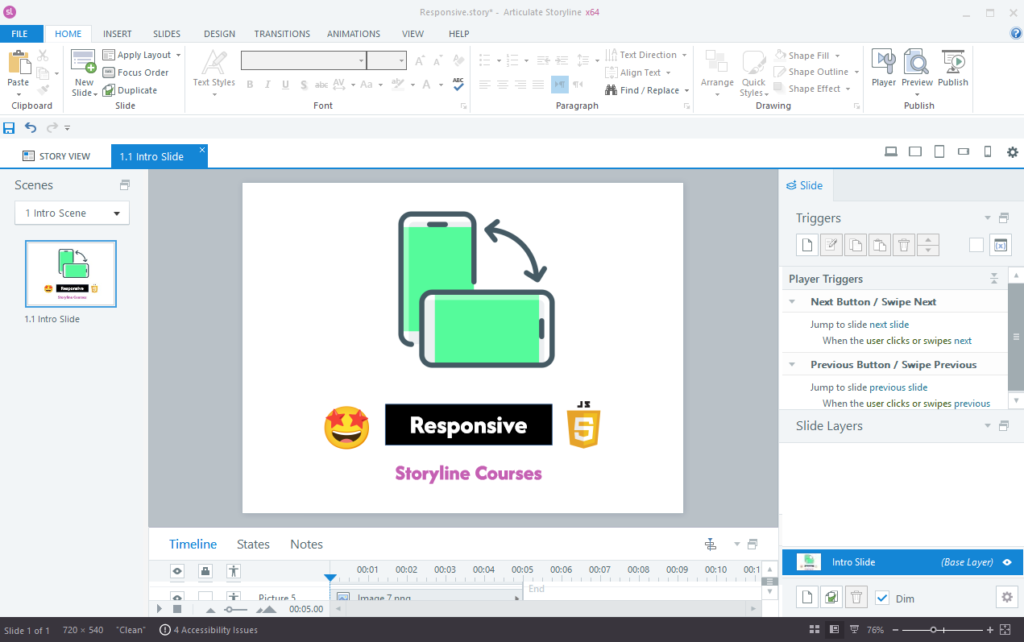
Storyline courses are not fully responsive by default. When viewed on mobile devices in portrait mode, users may face:
- Poor readability due to small text
- Difficulty interacting with buttons and elements
- Misaligned layouts and content
- Reduced overall usability
The Solution: Prompt Users to Rotate Screen
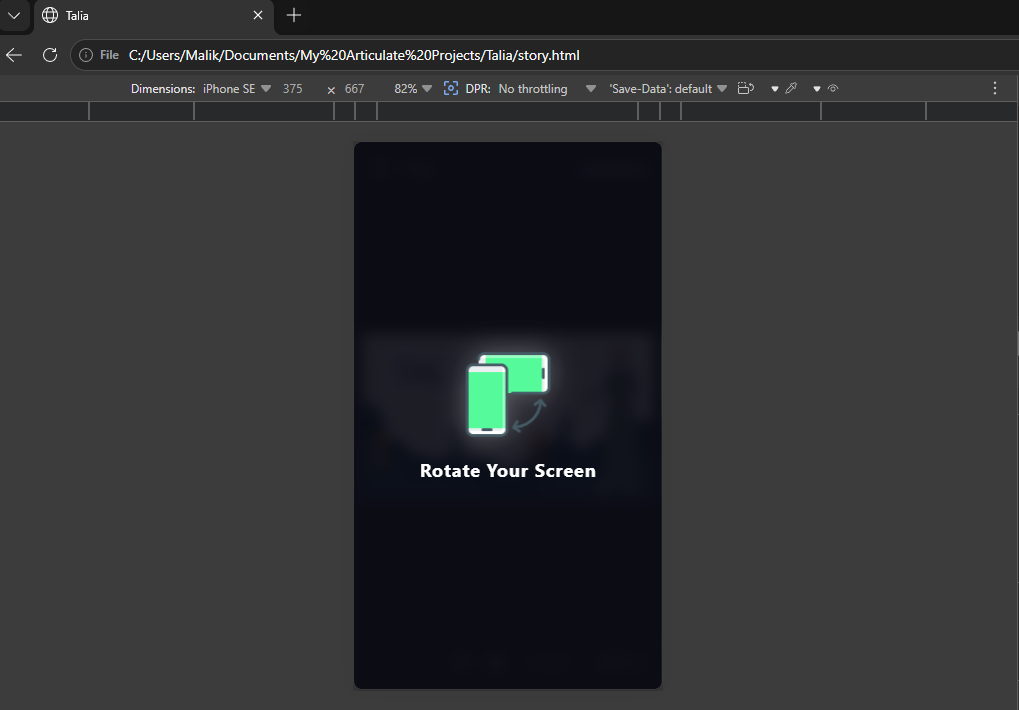
Instead of redesigning the entire course, you can use a simple JavaScript solution. This script detects when a device is in portrait mode and shows an overlay message asking the user to rotate their screen.
This ensures that learners view the course in landscape mode, where it is properly optimized.
Step-by-Step Implementation
Step 1: Open Slide Master
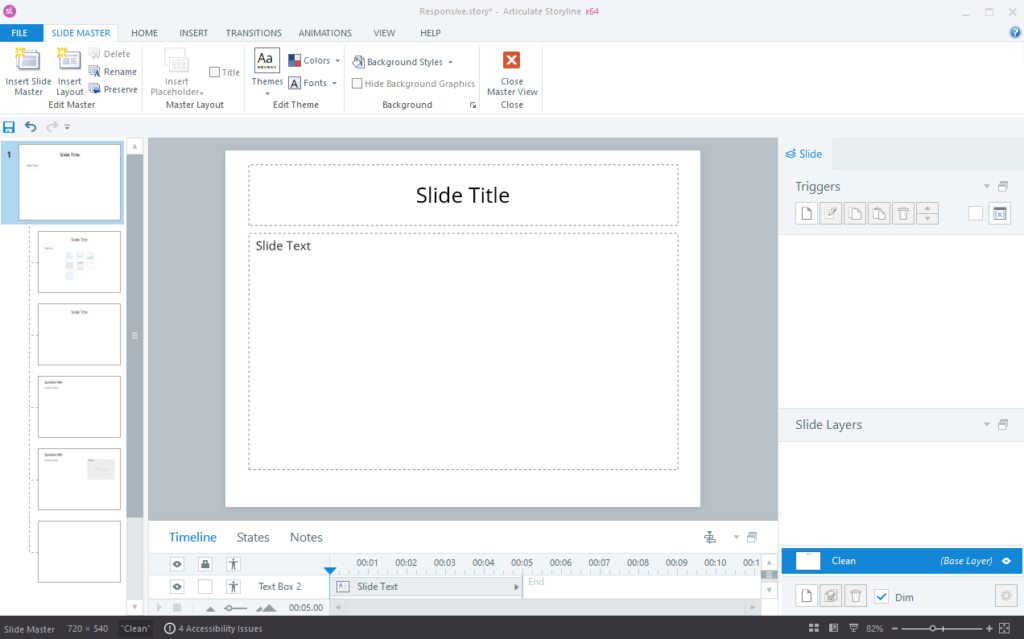
- Go to the Slide Master view in Storyline
- Select the main master slide
Note: If your project uses multiple slide masters, repeat the same steps for each master slide.
Step 2: Add a JavaScript Trigger
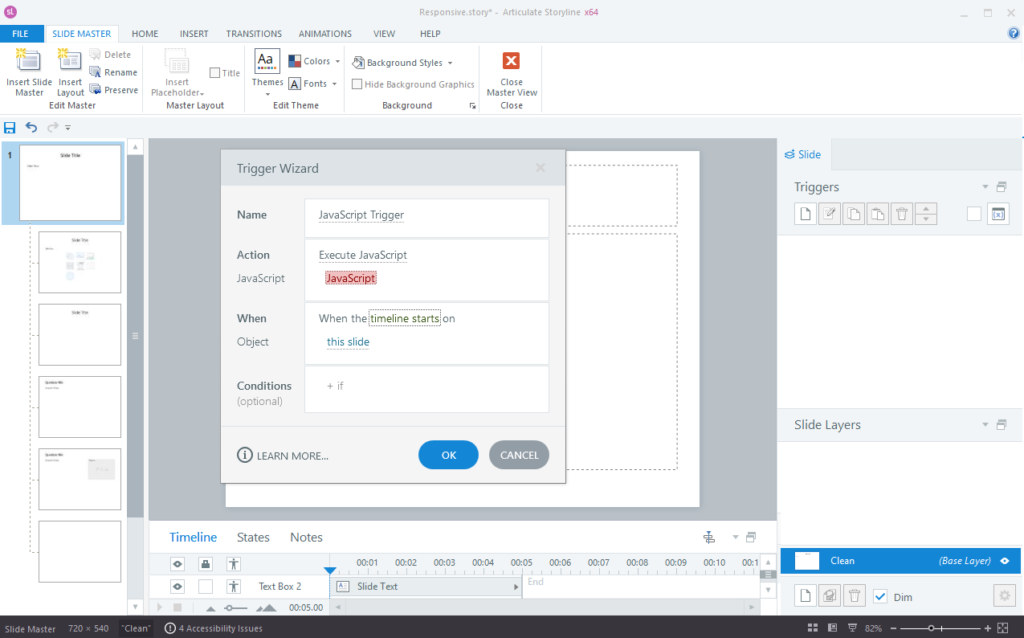
- Create a new trigger
- Select “Execute JavaScript” as the action
- Set it to run when the timeline starts
- Apply it to the master slide
Step 3: Add the JavaScript Code
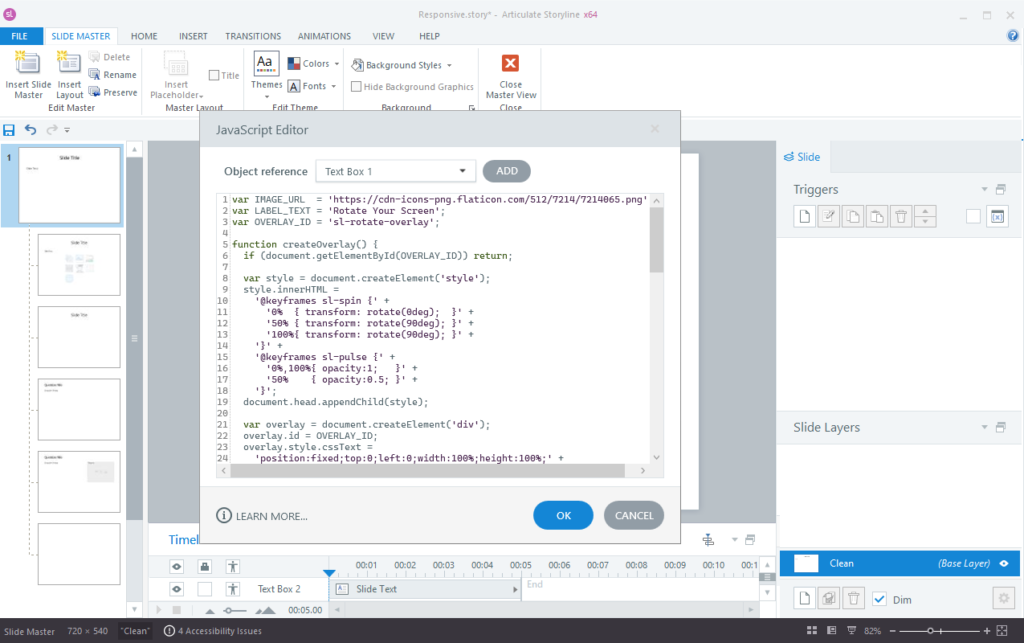
Paste the following JavaScript code into the trigger:
You can customize the message, styling, and add an image icon inside the overlay as needed.
What This Does
- Detects if the user is using a mobile device in portrait mode
- Displays an overlay message asking the user to rotate the device
- Hides the overlay when the device is in landscape mode
- Ensures a better viewing experience without redesigning the course
Benefits of This Approach
- Improves mobile learning experience
- Maintains the original course design
- Easy to implement without advanced development
- Works across modern mobile devices and browsers
Final Thoughts
While Articulate Storyline does not fully support responsive design for portrait mode, this method provides a practical workaround. By guiding users to switch to landscape orientation, you can significantly improve usability and learner satisfaction.
This is a simple yet effective way to make your Storyline courses more mobile-friendly without rebuilding your content from scratch.