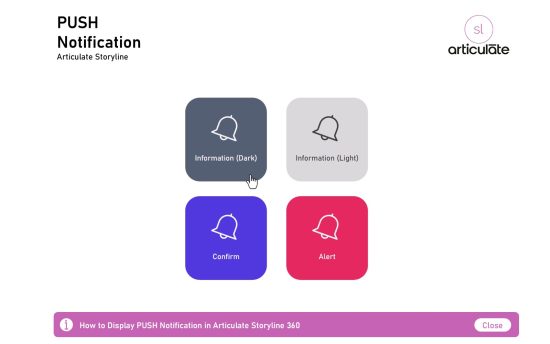
Storyline Tutorials How to Enable Push Notifications in Storyline eLearning Courses: A Step-by-Step Guide Implementing consistent push notifications in Storyline eLearning courses can significantly enhance learner…
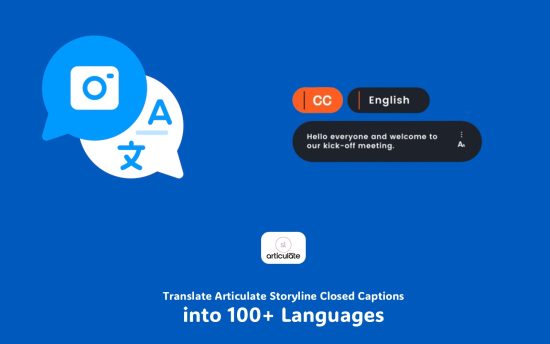
Storyline Tutorials Translate Articulate Storyline eLearning Course Closed Captions into 100+ Languages Learn how to translate closed captions in Articulate Storyline eLearning courses into over 100 languages using a…
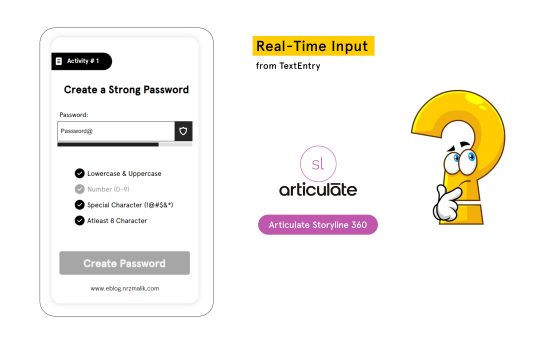
Storyline Tutorials Fetching Real-Time Input from TextEntry in Articulate Storyline Discover how to enable real-time data capture from TextEntry fields in Articulate Storyline using a custom…
Storyline Tutorials How to Create a Custom Notepad in Articulate Storyline: A Step-by-Step Guide In this tutorial, I’ll show you how to create a custom notepad feature within Articulate Storyline that allows…
Storyline Tutorials How to Create a Custom Progress Bar in Articulate Storyline Are you an eLearning developer looking to enhance your Articulate Storyline courses with a dynamic progress bar?…
Storyline Tips & Tricks Tutorials How to Enable Speech to Text in Articulate Storyline Learn how to enhance your Articulate Storyline courses with speech-to-text functionality using a custom…
Plugins & Extensions Enhance Your ChatGPT Experience with the Save Code Button Extension Enhance your coding experience on chatgpt.com with the Save Code Button for ChatGPT extension. This powerful…
Storyline Tutorials How to Create an AI ChatBot in Articulate Storyline eLearning Course Discover how to integrate an AI ChatBot seamlessly into your Articulate Storyline courses with our step-by-step…
ID Resources Rise Storyline Tips & Tricks Tutorials How to Make a Free Mobile App for Storyline, RISE, Ispring, and Captivate eLearning Courses Transform your eLearning courses into mobile apps for free with this simple guide. Export your Storyline, RISE,…
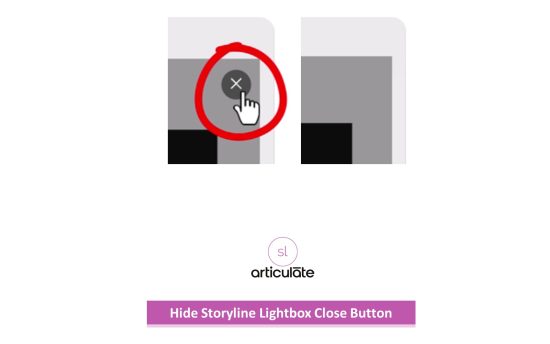
Storyline Tutorials How to Hide the Storyline Player Lightbox Close Button Learn how to control the closing of lightbox slides in your Storyline eLearning course by hiding the default…